


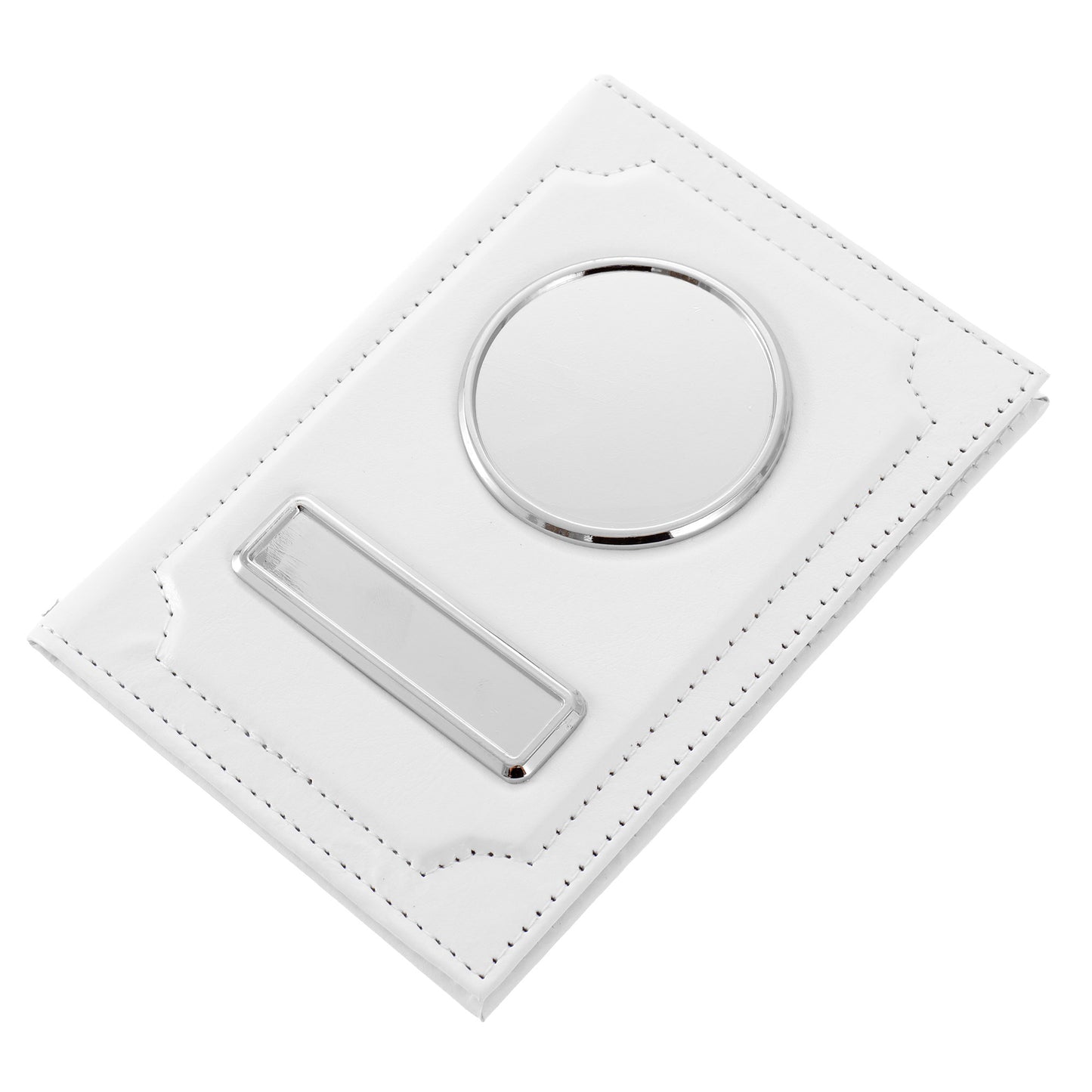
Car document wallet with logo and license plate - white
- TC361001


 Shipping 20 EUR, free from 200 EUR


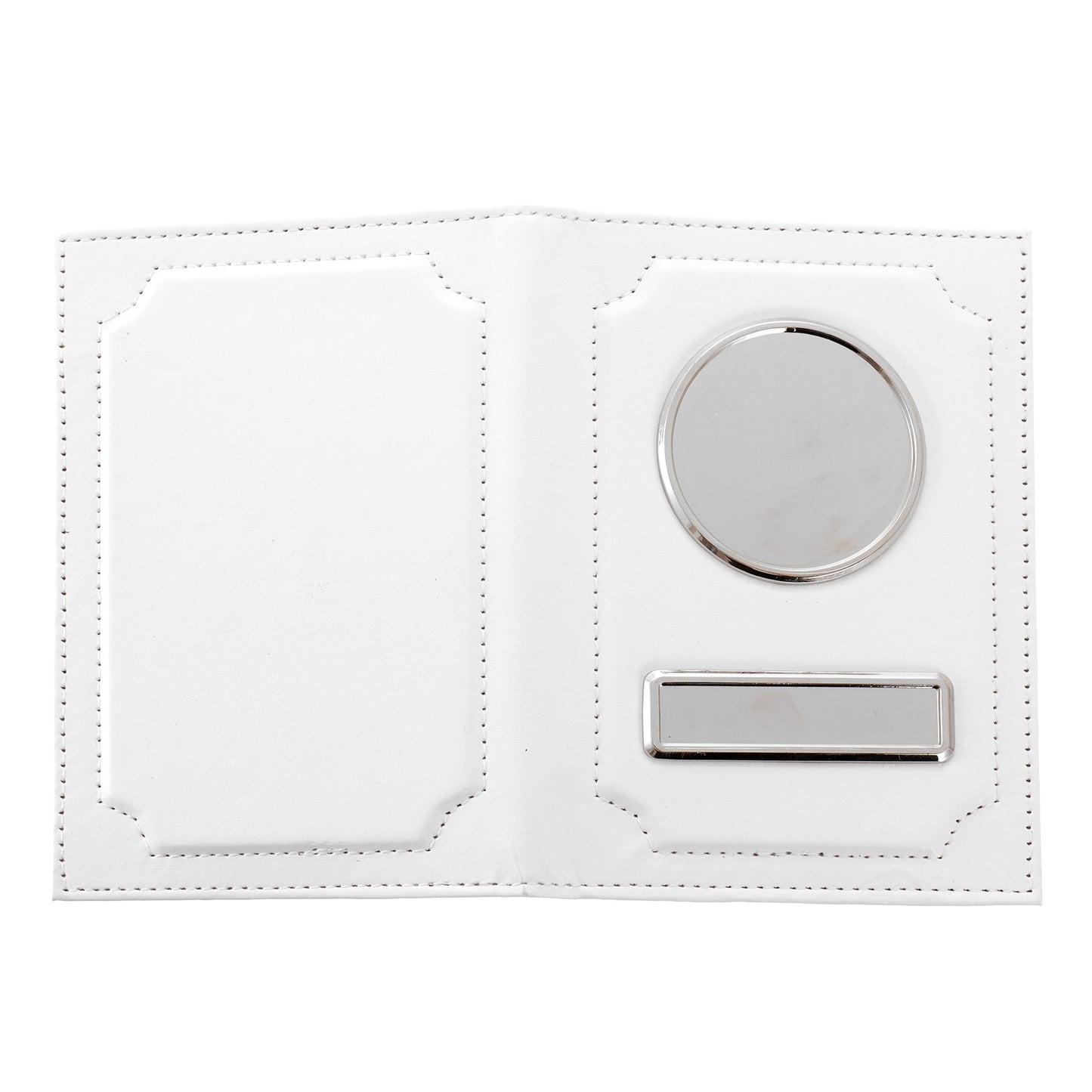
AUTO document wallet logo and license plate - White
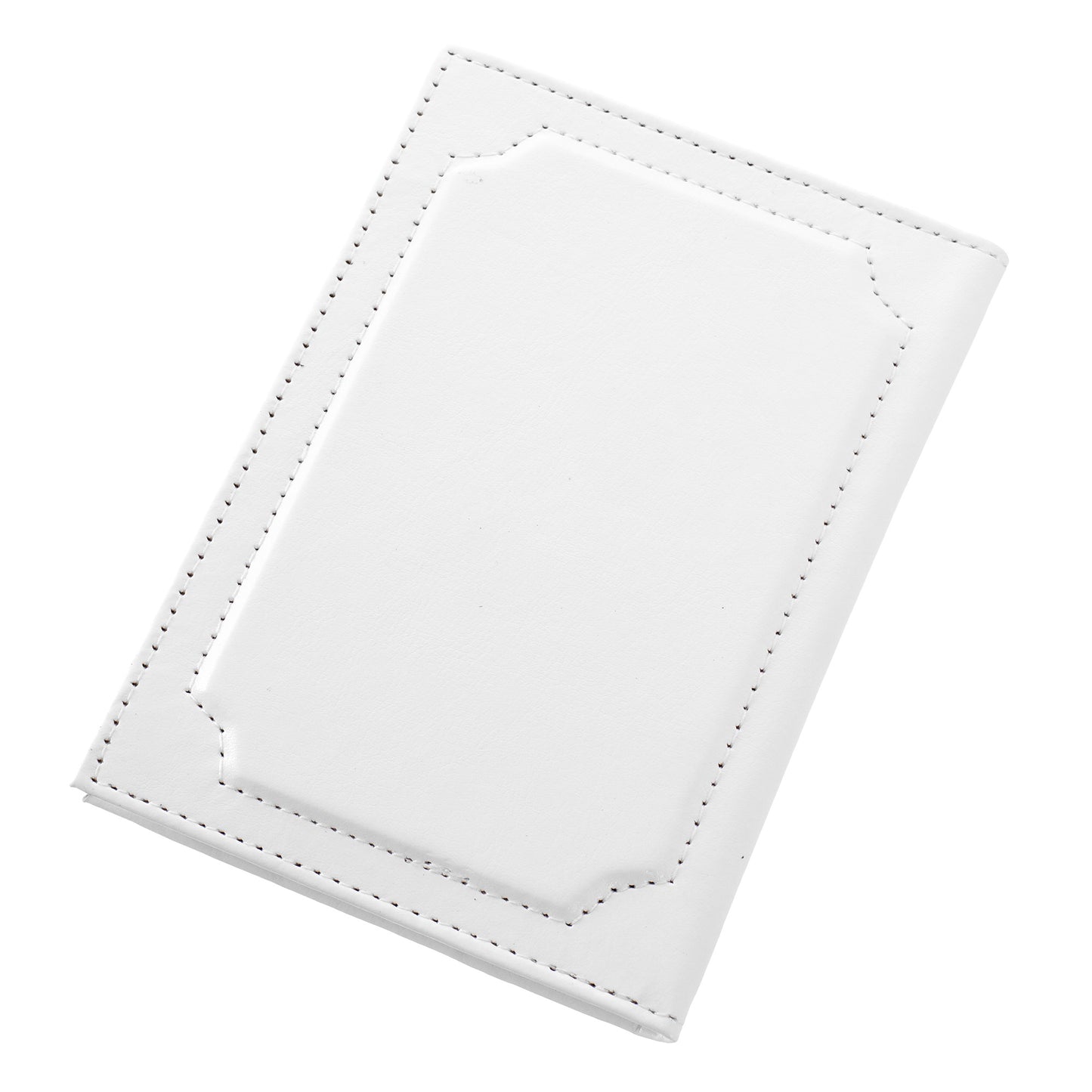
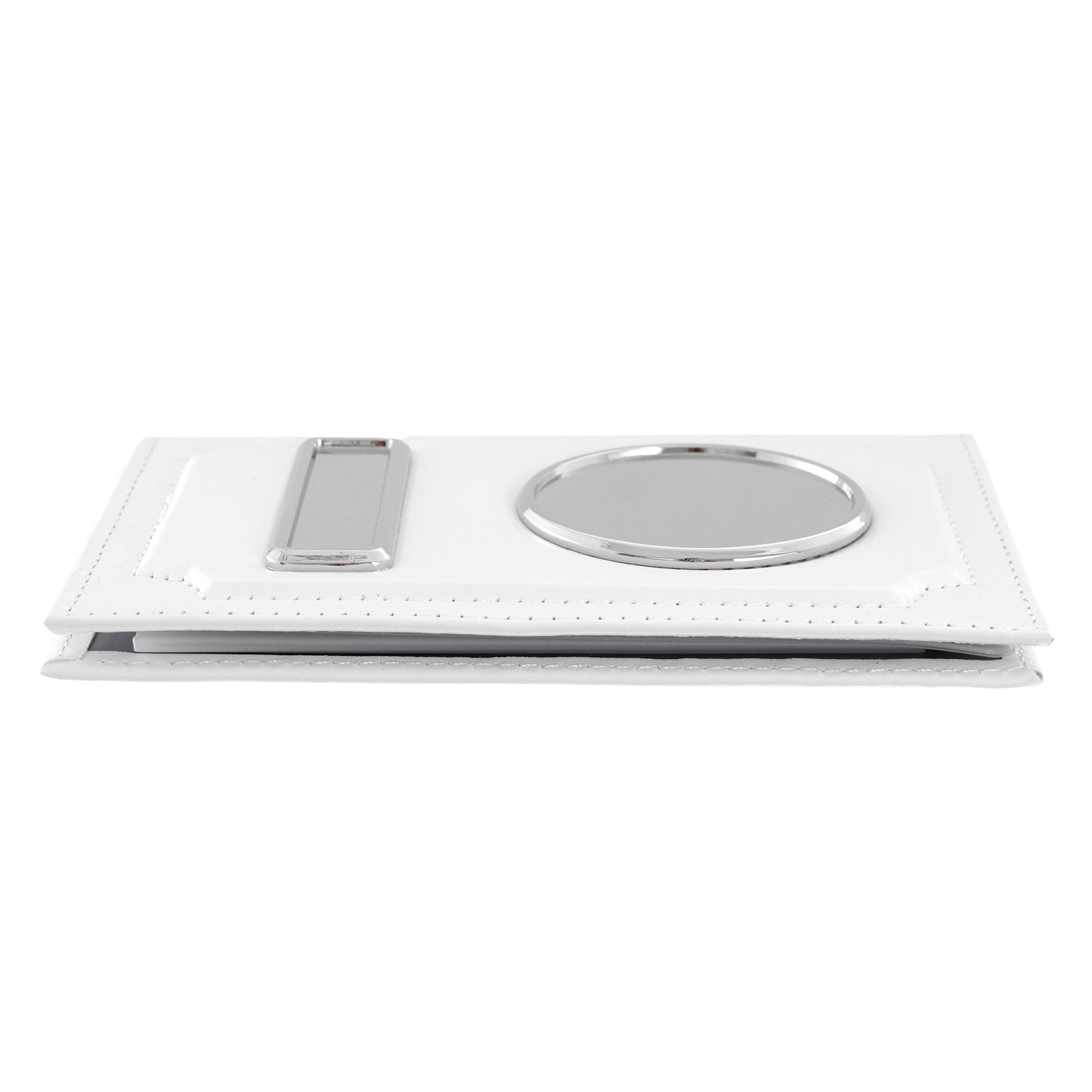
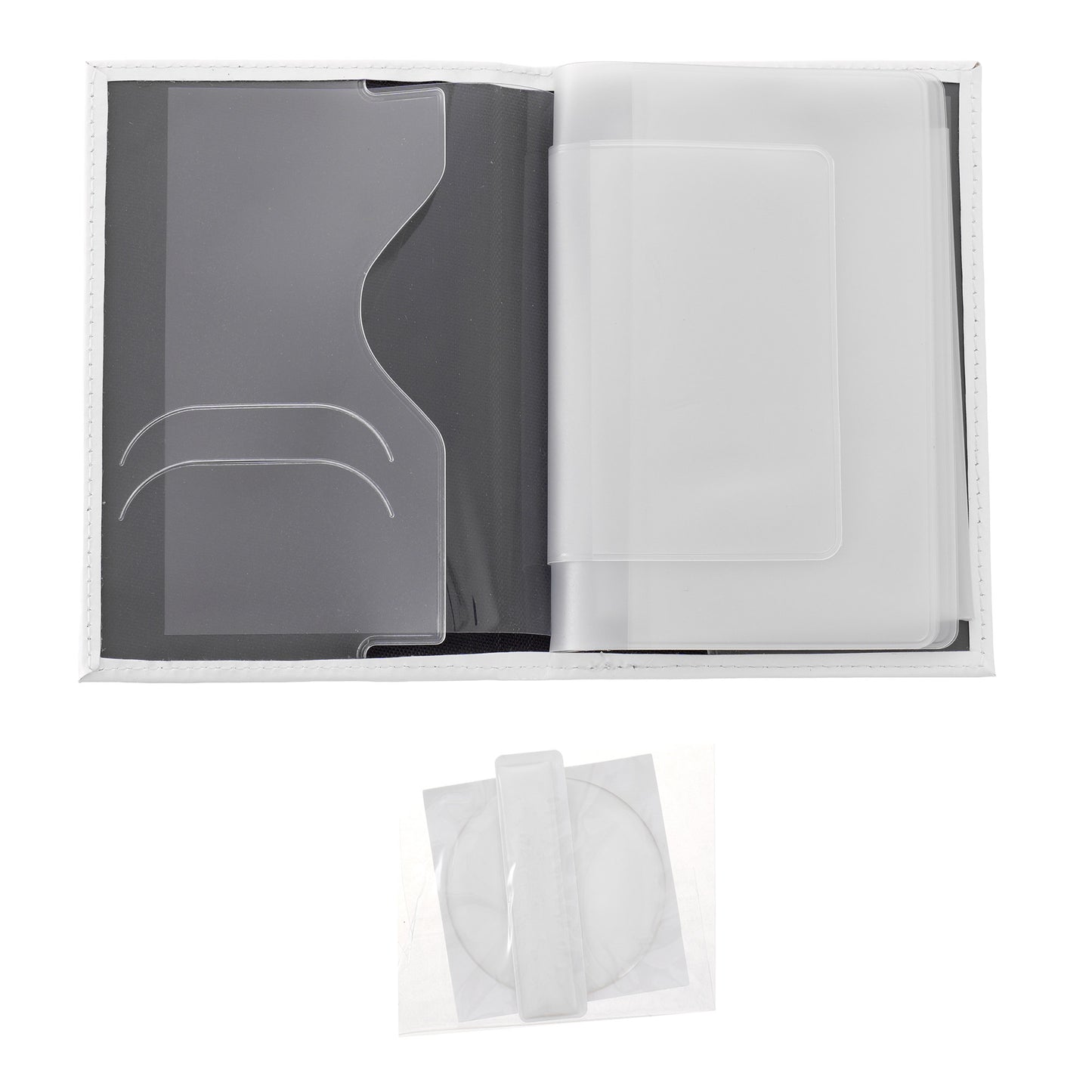
Compact glossy faux leather wallet in white, with two front metal areas for customization: a round disc for the car brand logo and a rectangular plate for the license plate number. Transparent resin inserts included in the interior pocket.
Available color variants
Key features
Technical specifications
| Color | White |
| Exterior material | Glossy faux leather (PU leather) |
| Customization area material | Stainless steel |
| Height | 13.8 cm |
| Width | 9.6 cm |
| Thickness | 1.2 cm |
| Weight | 130 grams |
| Logo disc size | 4.7 cm diameter |
| License plate size | 5.3 x 1.1 cm |
| Resin inserts included | YES (in the interior pocket) |
| Individual packaging | Resealable plastic bag with hanger |
| Pieces per box | 200 |
Compatible with
How it is customized
The customization process is done in 5 simple steps for each area (logo disc and license plate) without a heat press and without special equipment:
The wallet would go well with
Leather car key case in the same white color, with the same customization system (metal disc + resin insert). Perfect combo for complete branded gift offers for the automotive brand:

Recommended for
Bestseller with excellent margins for resale. The customization cost is minimal (paper + adhesive), and the production time per wallet is under 10 minutes for both areas. A combo with the car key case in the same white color offers a complete package customized with the client’s brand.

Useful articles

Tricolor Products Romania: Guide for Businesses (December 1, Matches, Events)
12 tricolor products in stock, from 1.52 lei each, the calendar of the 8+ moments of the year when they sell, markup calculation, and 3 ready-to-order kits for shops, schools, institutions, HoReCa, and sports clubs.

Festival Bracelets and Party Supplies: The Organizer’s Guide
Textile wristbands from 0.51 lei, numbered paper access wristbands from 0.25 lei, zone-based color system, cost per participant, and ready-to-order kits for festivals, concerts, city days, clubs, and corporate events.

Epson Printer Settings for Sublimation
Step-by-step guide: which settings to use on the Epson printer for sublimation matte paper, Mirror, Adobe RGB, and Gamma 2.2. Plus how to save everything as a preset so you do not have to set the settings every time
Why Green Print
What our customers say
⭐⭐⭐⭐⭐ Reviews from Google · 4.6/5 average from 150+ reviews
See all reviews on Google →